An app that teaches you the way a good tutor does.
Explains with analogies, asks about what you don't fully get, adapts to your level. Pick a topic or upload your own materials.
3 sessions, no card.
CHEMISTRY
Reaction enthalpy and Hess’s law
Level: IB HL
Hover to pause · Click a tab to jump
Autoplay on · hover pausesTHREE STEPS
How it works
1. You start from what you’re learning
A ready-made topic catalog or your own materials: notes, slides, a textbook.
2. You learn through conversation
The app explains with analogies, asks about what you already know, and probes where it spots a gap. Like a tutoring session, available any time.
3. You check yourself
Practice sets and mock exams generated from your chosen topic, with a full mock when you are ready.
Why not ChatGPT
CHATGPT
Answers your questions and forgets you the moment you close the tab.
What Do I Know
Teaches you like a tutor: explains, asks, remembers your gaps, and comes back to them in future sessions.
Who it’s for
For students
Finals, tests, quizzes. The catalog covers high-school subjects for the Polish maturity exam, IB (HL and SL), A-levels, and other international systems, in Polish and English.
For university students
Exam season and midterms. Upload your own notes and slides, paste question banks from past papers, and learn from your lecturer’s materials.
The person behind it
Who built it
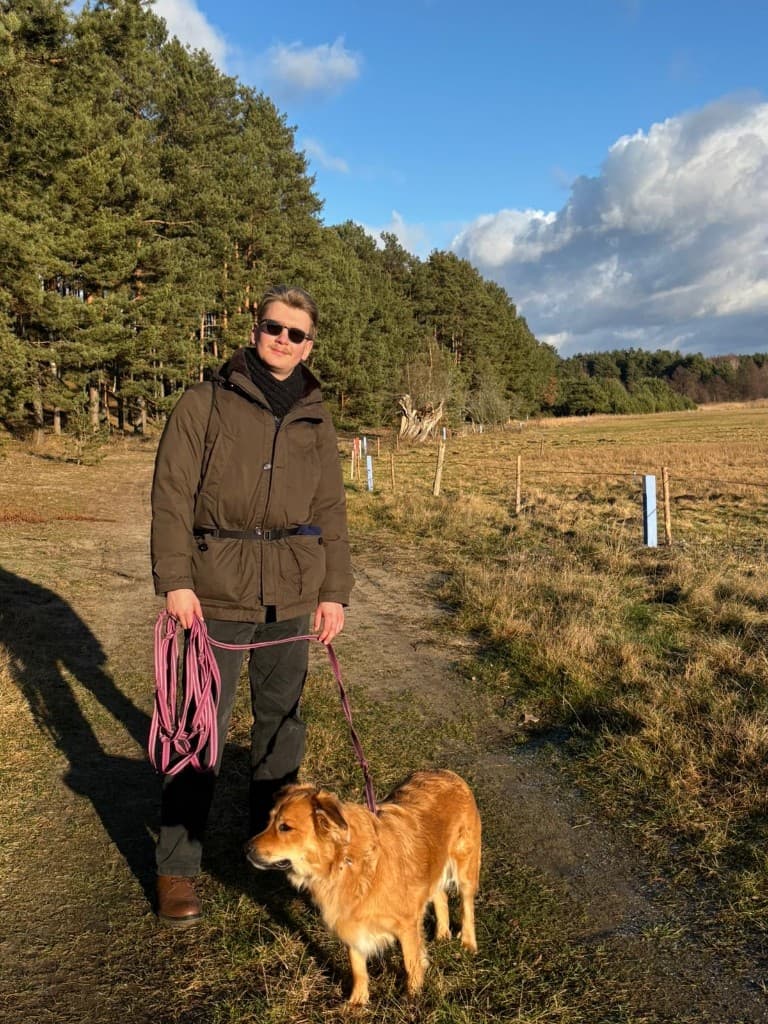
In the photo: my dog, Saba.
I'm Dawid. I've taught IB Chemistry for seven years and I'm studying medicine, so I know the product from both sides, as a teacher and as a student.
What Do I Know is my one-to-one tutoring approach, scaled into an app.
— Dawid
READY?
Try it
Three sessions without a card. If this isn’t how you learn, you simply don’t add one.